Microbio Automatic Photography Tool
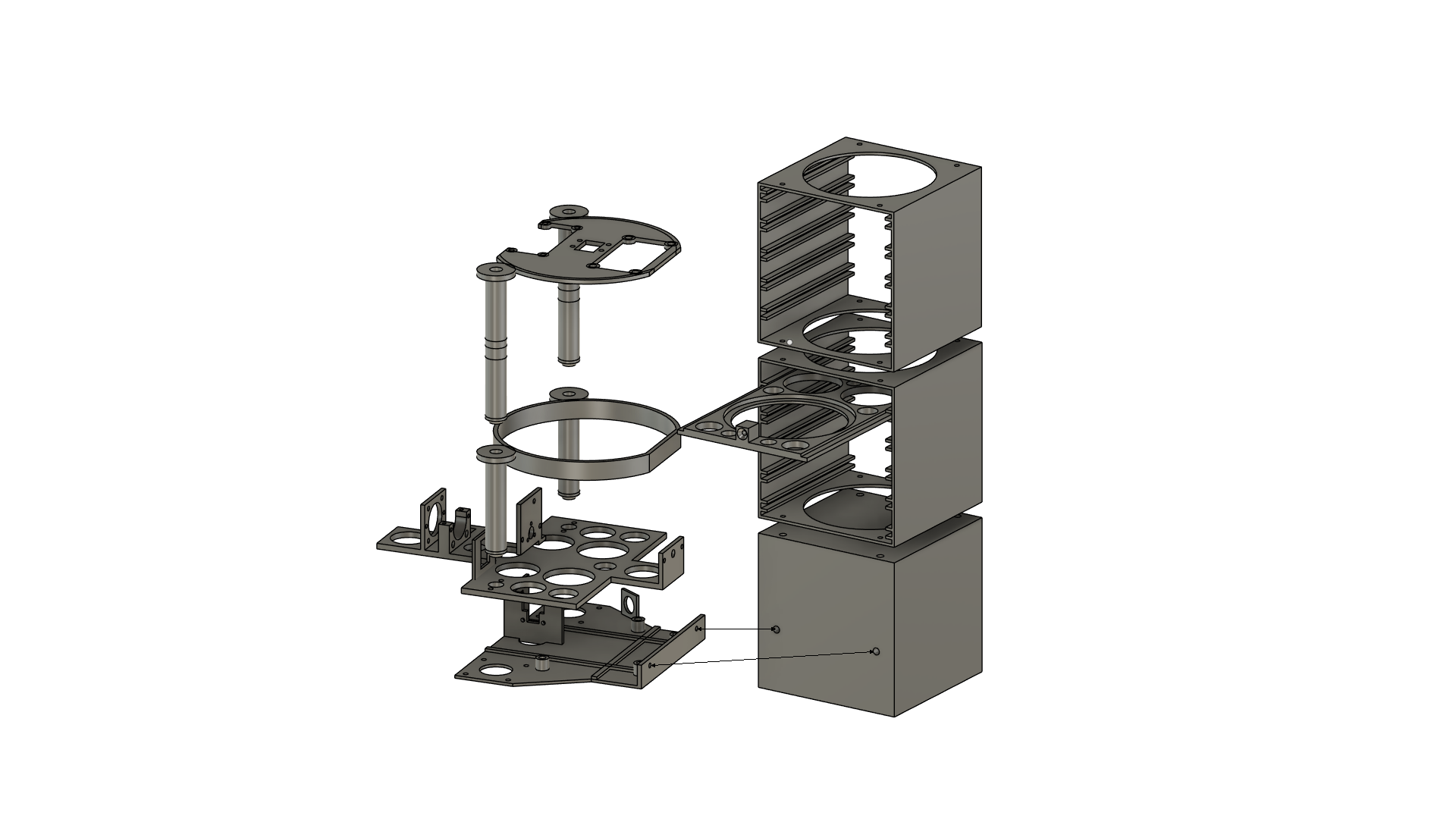
A tool to automatically take photographs of petri dishes.
- Holds up to 10 petri dishes
- Frequency of photographs is configurable between 4-24 hours
- Create timelapse images of bacteria and fungus growth
Setup Guide
Build MAPT tower
- Go to the project page on Printables.
- Print all the parts
- Assemble
Install firmware
- Use the Raspberry Pi Imager to prepare an SD card with “Raspberry Pi OS Lite (32-bit)”
- The “Lite” version can be found under Operating System > Raspberry Pi OS (other) > Raspberry PI OS Lite (32-bit)
- When asked to apply customization options, choose “Edit Settings”:
- Enter your wifi details
- Enter a username and password
- Enable SSH (under the Services tab)
- Change any other settings you like
- Continue through the Raspberry Pi Imager prompts to finish preparing the SD card
- Insert the SD card into the Raspberry Pi and power it on
- Wait for the Raspberry Pi to boot and connect to the wifi network
- Use ssh to connect to the Raspberry Pi (Note: use the username you created in step 2 instead of ‘pi’)
- Run this command to install the MAPT firmware:
curl https://biomapt.github.io | bash
Usage Guide
TODO